



Connect The R-8 And The R-10 Through Bluetooth
In This Article, I will teach you all step related to Connect The R-8 and R-10 with the help of Bluetooth. Connect The R-8 And The R-10 Through Bluetooth
Now all steps mention below with all screen short.
1-1st step the power on our TSC-3 Data collector and click The left side on Start button.
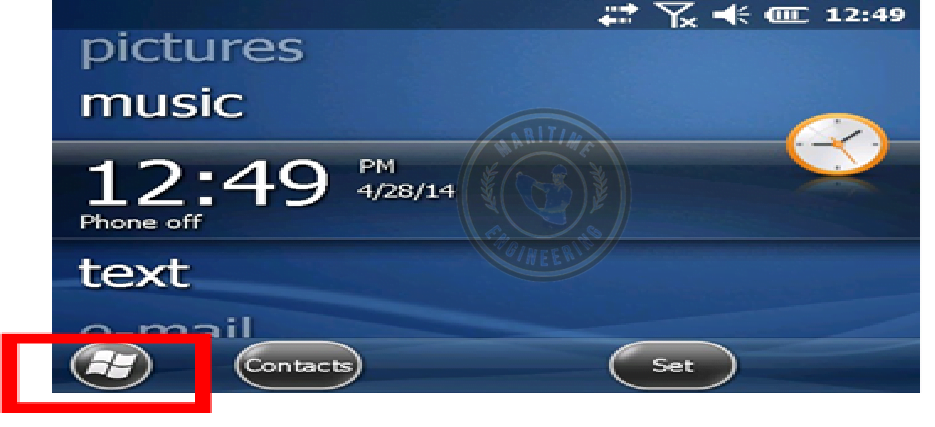
2-Then we click to Start the Thimble Access

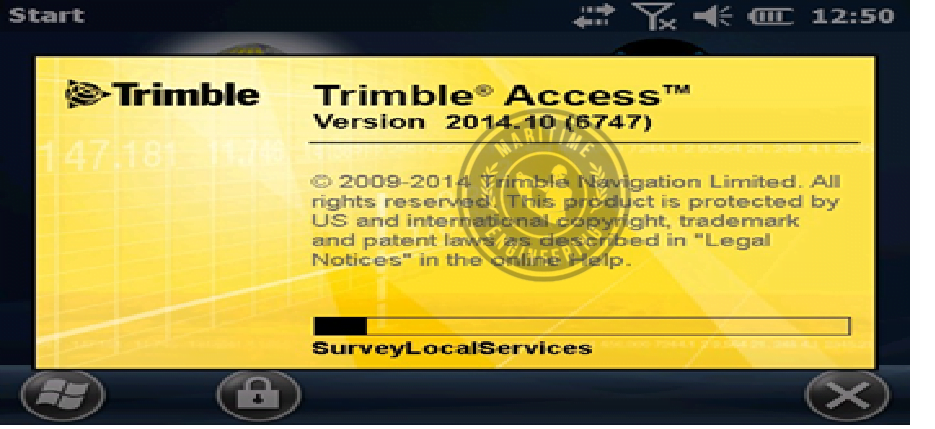
3- Any version which you have Trimble Access started.
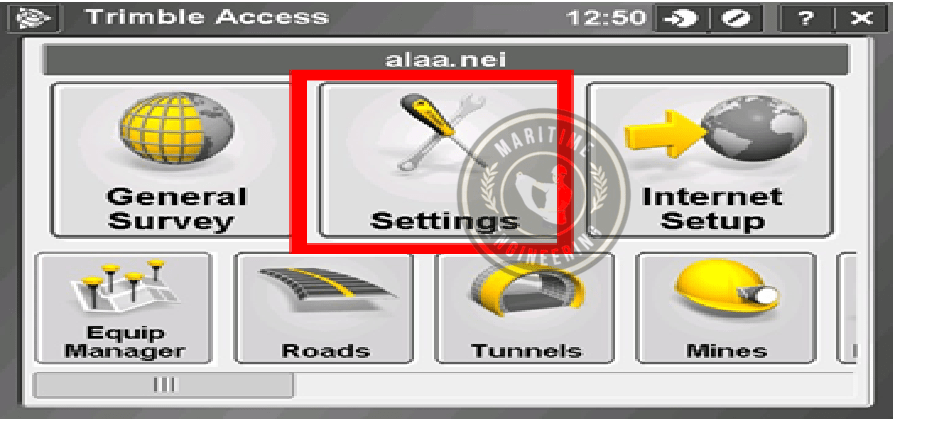
4- Then you see the screen option Settings you click there
5- Next Step to Click Connect option

6- Next Step to Click The Bluetooth Option

7- Next step is to Click The Configuration Option

8- Add For new devices click the Add new devices
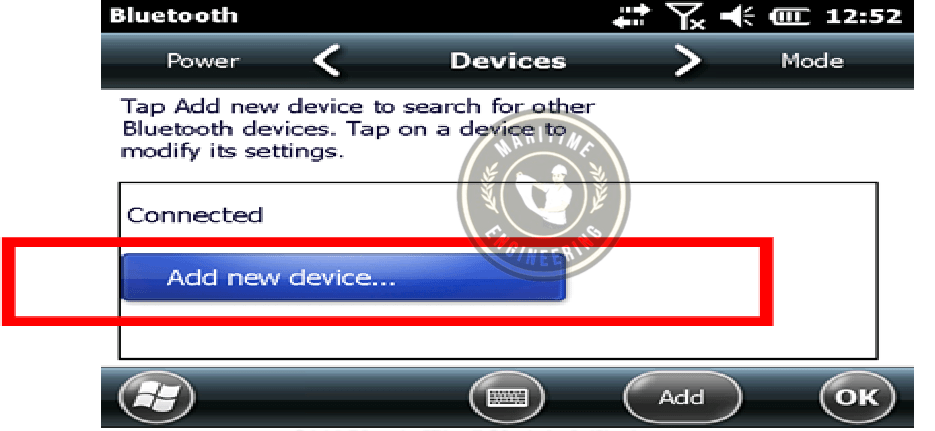
9- Then Scan for Bluetooth Device

10- Then Click to Select a device to connect
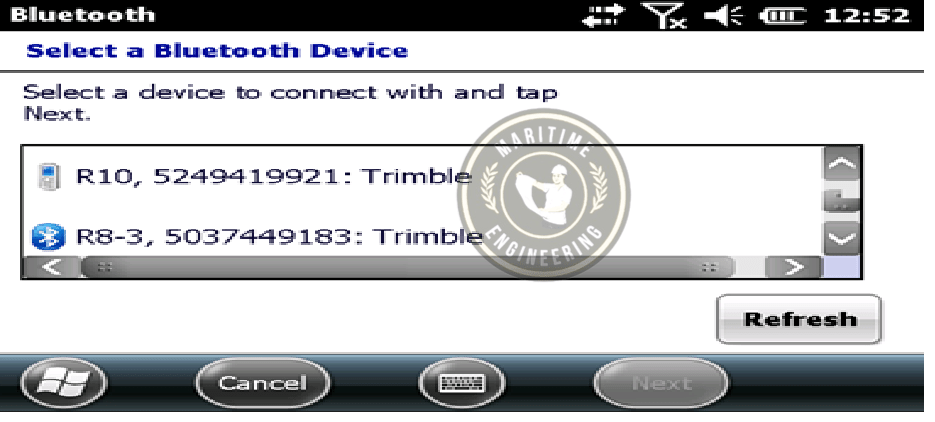
11- Then Click to Select R-10 and then click to next
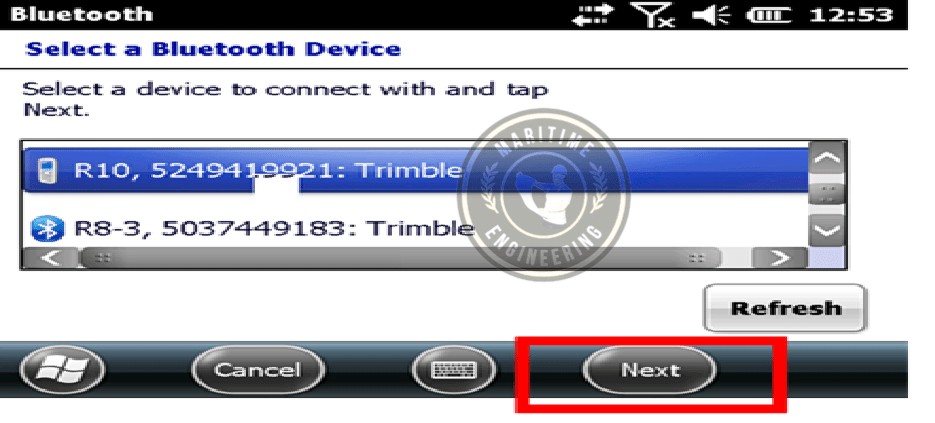
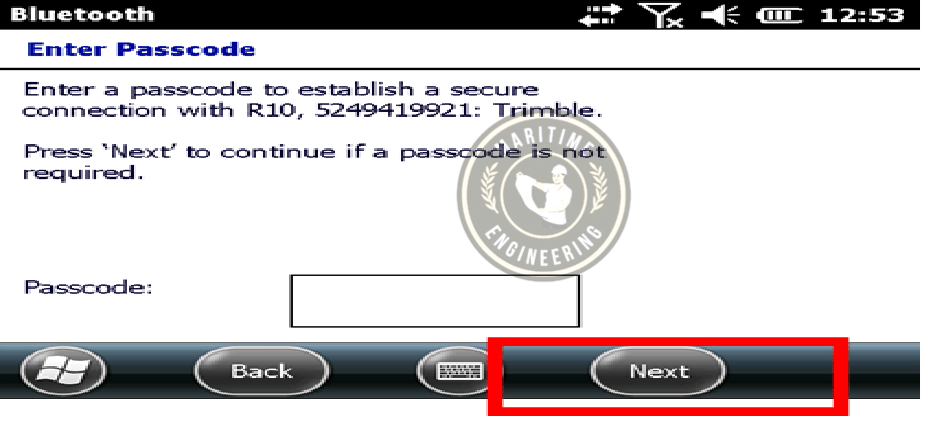
12- Then Next step without pascode and click to next
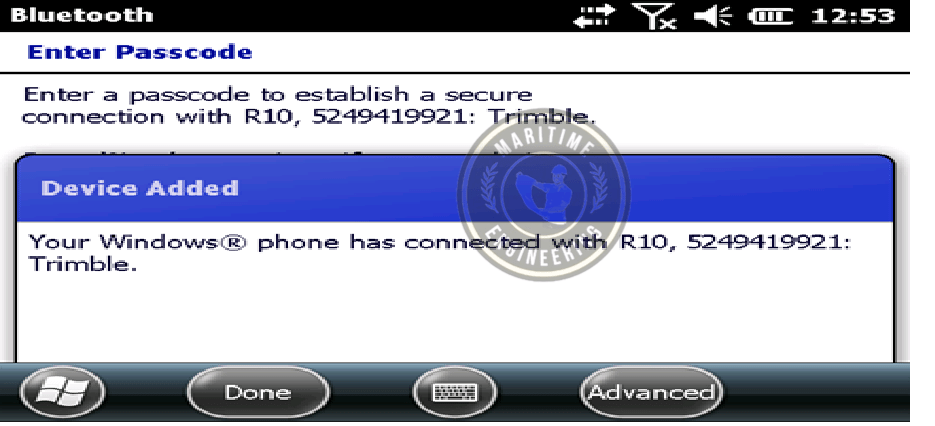
13- Now device is added successfully (R-10)
14-Then Again to Click for Add new device
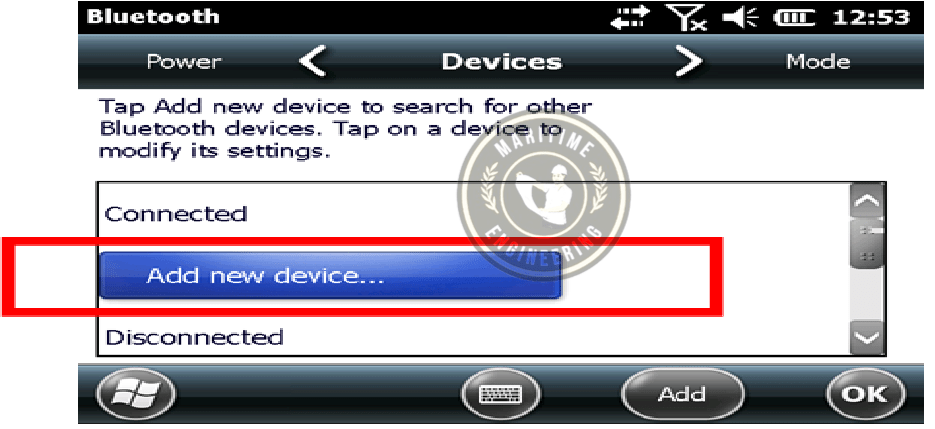
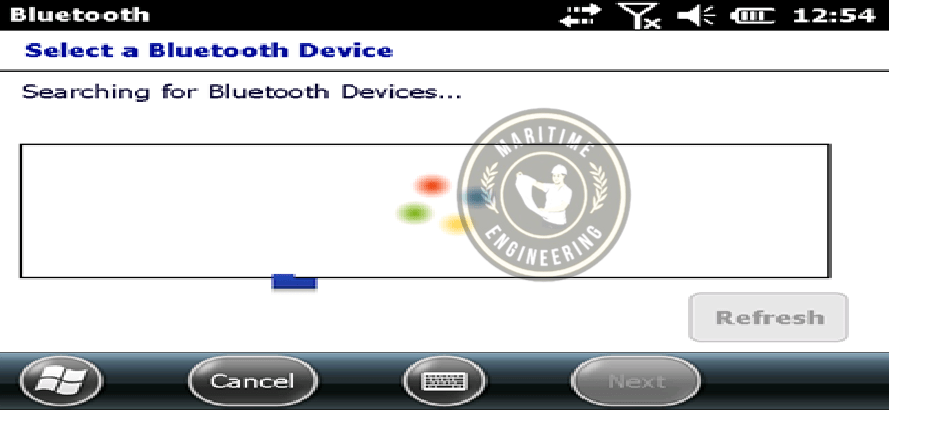
15- Again showing Scan for New Bluetooth Devices
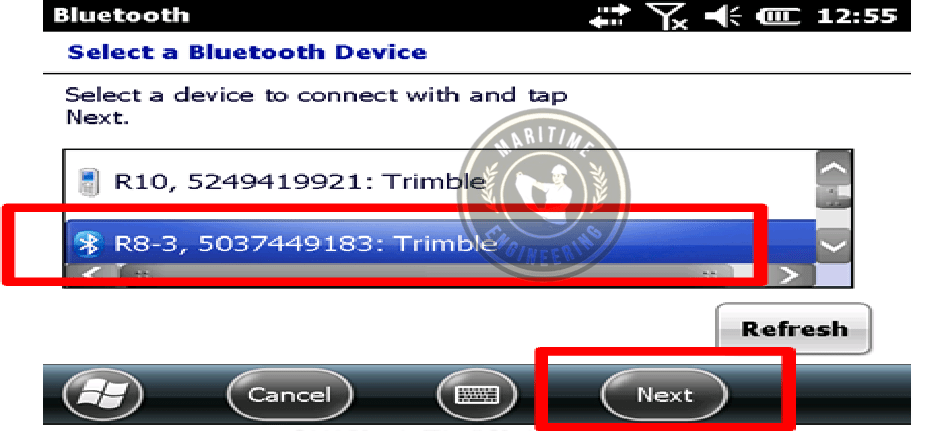
16- Then we Select R-8 and Then click to next
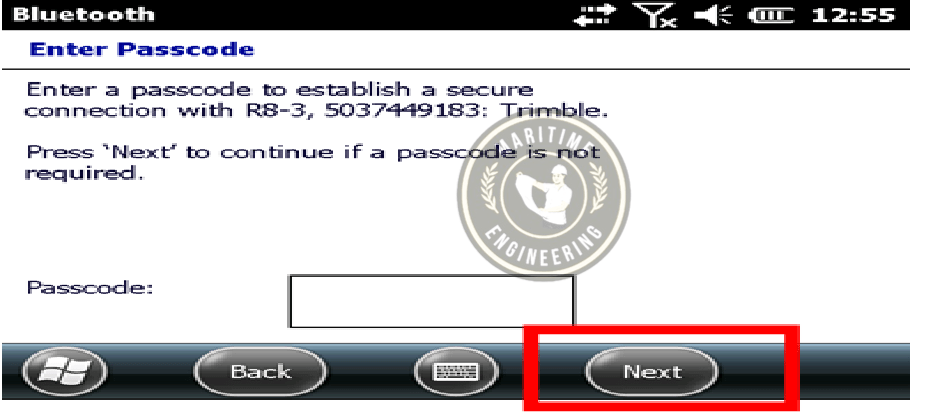
17- Then Next step without fill pascode and click to next
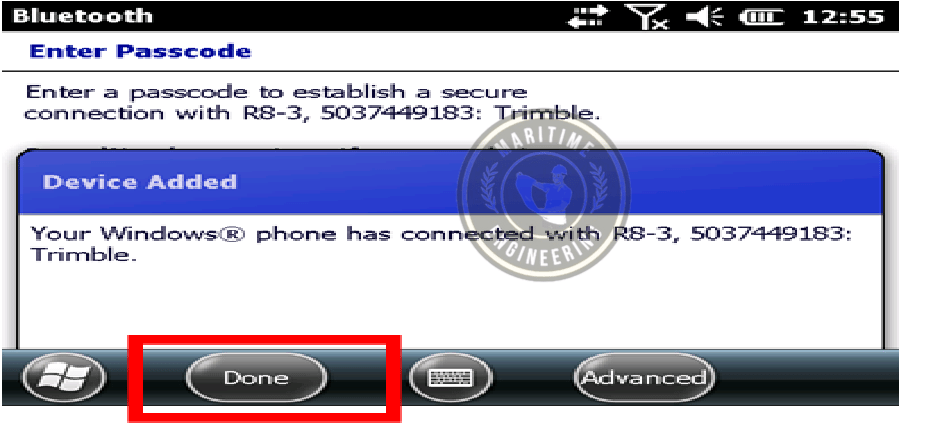
18- Then showing on screen R-8 added successfully and click to Done
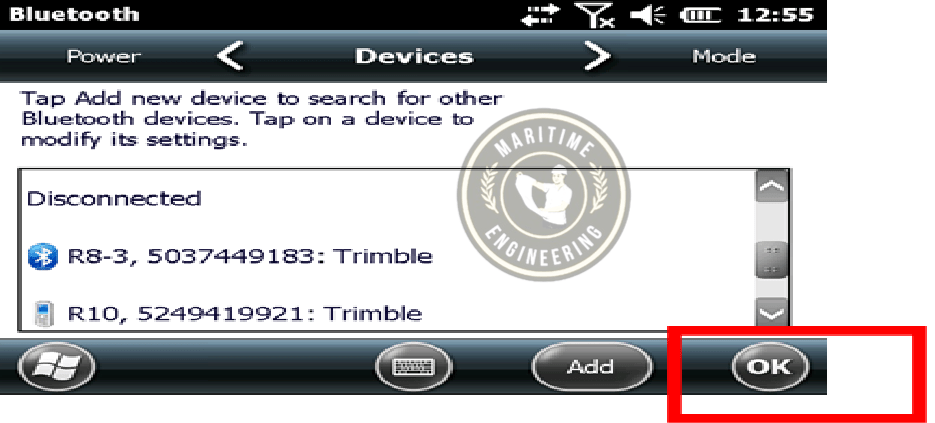
19- Then check the list There mentioned R10 and R8 and then again click to OK botton.
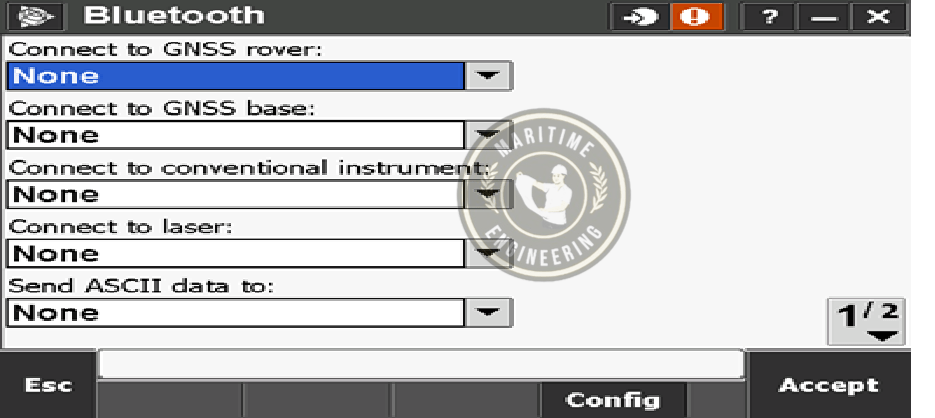
20- Then Start The New Step for our Rover and Base from the list.
21- Then Check which we Have Rover to Select R-10
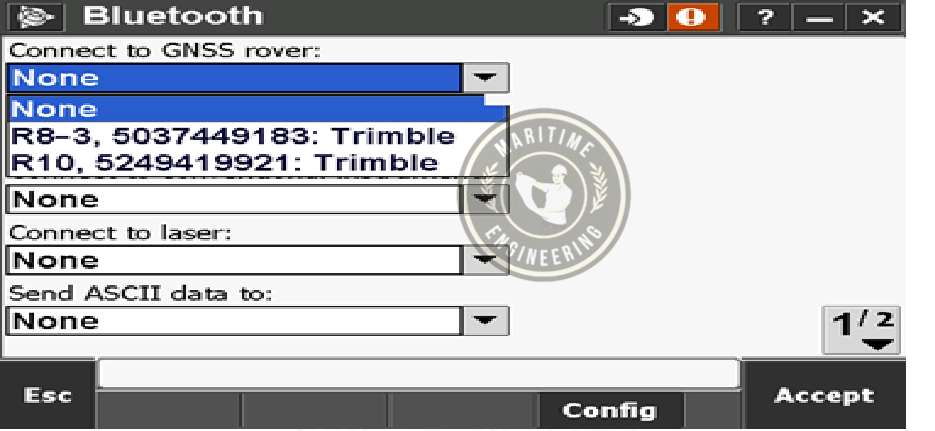
22- Then we Select our Base
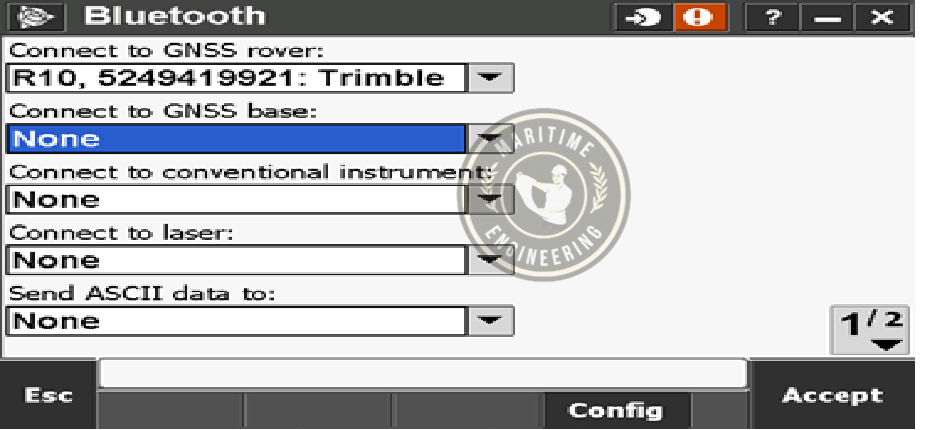
23- Then 2nd Last step check our base in the list and make sure that is R10 or not.
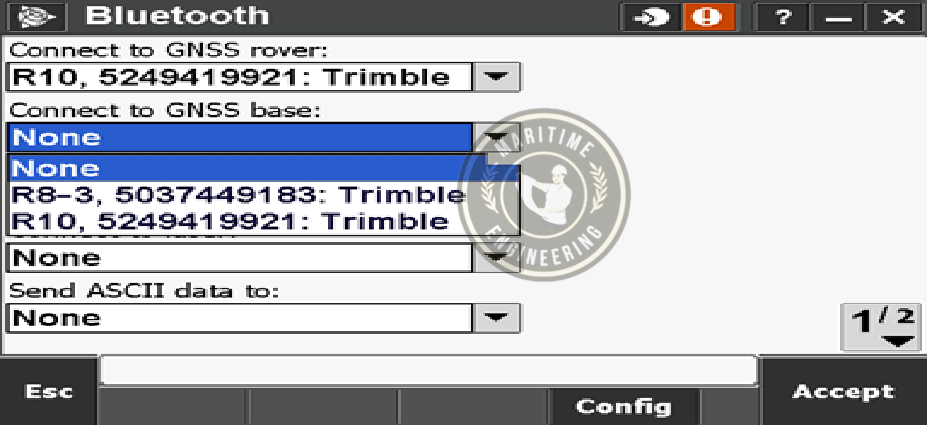
24- last Step Check our Base must be R8 and Then Click to Accept





Hi. I saw your website, can i send you a video about your business?